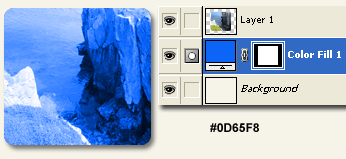
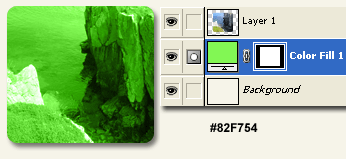
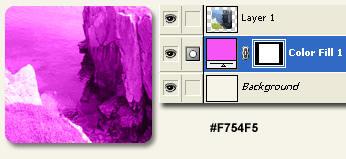
Here is a simple process to simulate simple duotones for the web without having to go through the conversion process from RGB/Grayscale/Duotone.
Below is the sample image I have set up. Basically a photo framed into a masked.
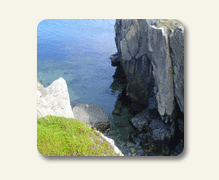
The goal is to apply a single complimentary or matching color scheme from your site to the photo without having to go through the above conversion process.
Here is the basic Layers Palette setup.
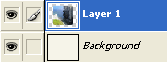
All you have to do is decide upon a Foreground Color. (I set mine to an orange #F8B80D).
Next, Ctrl + Click (Mac: Command + Click) on the target image Layer Thumbnail (lower right encased in red) to load it as a Selection. (Lower left indicated by the marquee).
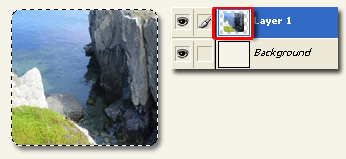
Then at the bottom of the Layers Palette choose the ‘Create New Fill…’ icon  , then from the list choose ‘Solid Color…’.
The Color Picker will default to your Foreground Color. Click OK. (or set the appropriate color now)
Then drag the ‘Color Fill’ layer below the target image layer (my case ‘Layer 1’) as I have captured below.
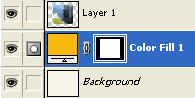
Finally, select the original target image layer and change it’s Blending Mode to ‘Luminosity’.
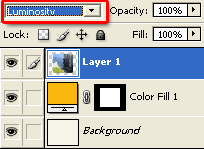
Here is the final image.
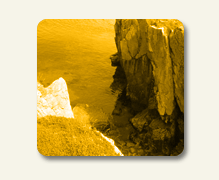
To alter the overall color, simply double click the ‘Color Fill’ Layer Thumbnail (this case Color Fill 1′ layer) and choose a new color in the Color Picker.
Here are variations.